 Powapowa Camera日本語
How to photograph Christmas lights with your iPhone
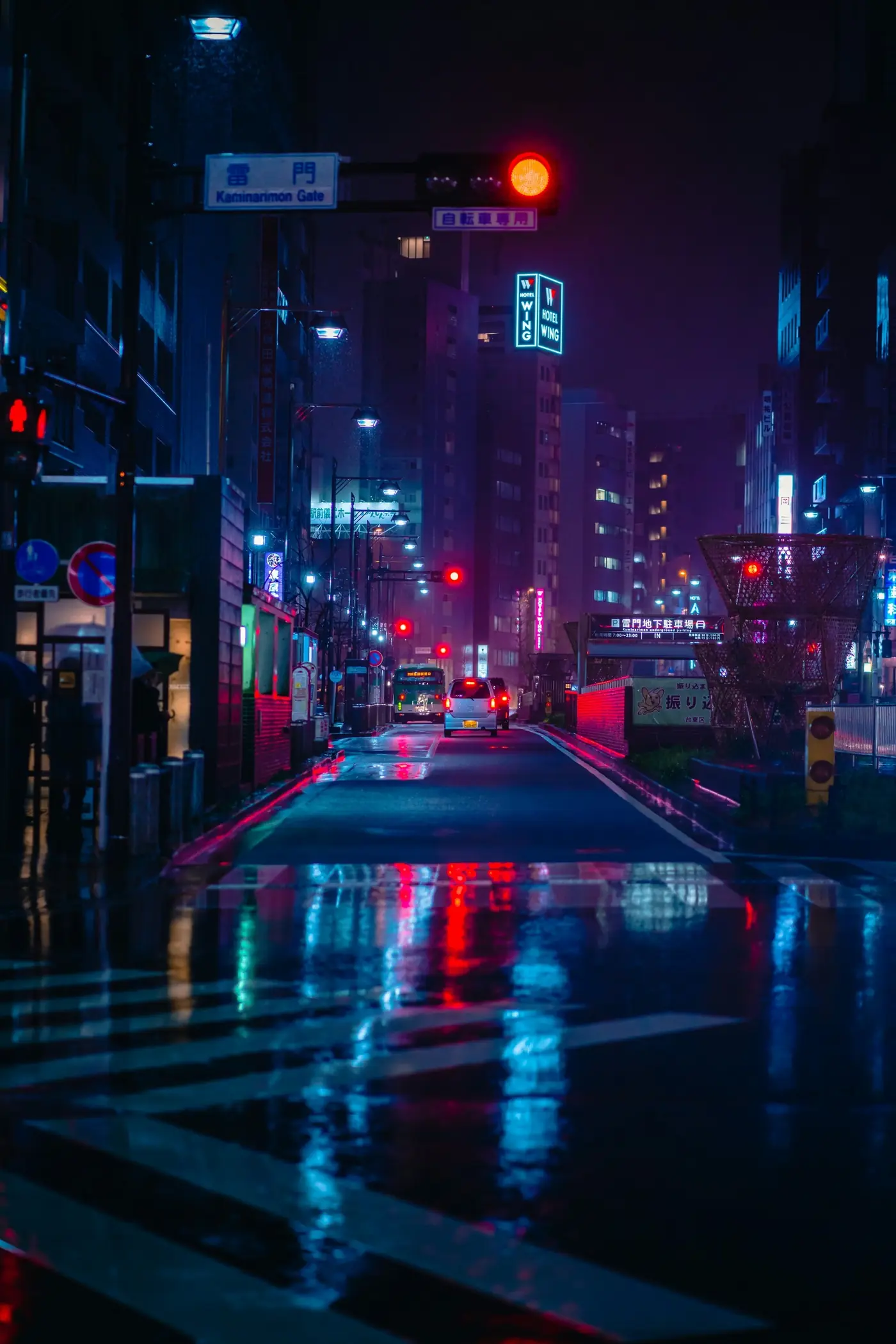
Christmas lights often look flat or blown out in iPhone photos because the camera exposes for the dark scene and the bulbs turn white. Lowering the exposure, staying on the 1x lens and shooting just after sunset fixes most of it. Here is the short version, plus how to get round and heart-shaped bokeh.
1. Lower the exposure
Tap on the lights to focus, then drag the sun icon down. The bulbs get their color back and the night around them turns dark again.
2. Stay on 1x
The main 1x camera handles low light best. If you want the lights bigger, walk closer instead of zooming.
3. Flash off, hands steady
Flash lights up only what's in front and kills the glow. If Night mode turns on, brace your arms on a railing or wall and hold still until the countdown ends.
4. Go just after sunset
In the first half hour after sunset the sky is still deep blue, so you get both the lights and a sky with some color instead of pure black.
5. Lights with people
If faces come out dark, have the person stand close to the lights and tap on their face to set the exposure. For blurry lights behind them, use Portrait mode and keep as much distance as you can between the person and the lights.
6. Round bokeh
Bokeh is out-of-focus light that spreads into soft circles. Focus on something close (a person, an ornament, a glass) and keep small lights far behind it; the farther they are, the rounder and bigger they get.
7. Heart-shaped bokeh
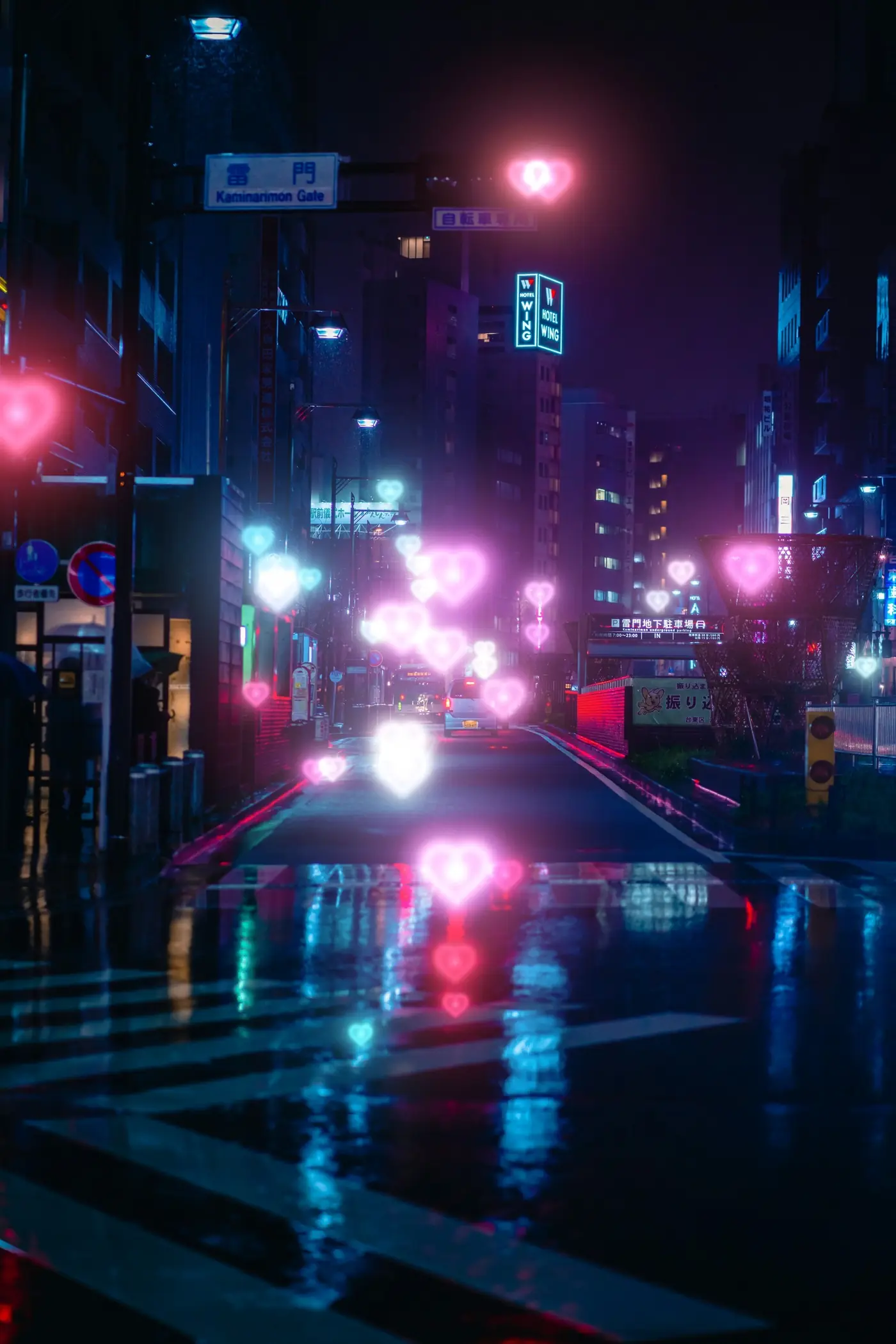
With a camera with a bright lens, you can tape a black paper card with a small heart cut-out in front of the lens; the out-of-focus lights take the shape of the hole.
On iPhone, Powapowa Camera turns small lights into heart or star shaped bokeh live in the viewfinder, so there's nothing to edit afterwards. It works best with rows of small bulbs; big signs and neon may not turn into clean shapes.
Quick checklist
- Washed out? Lower the exposure.
- 1x lens, flash off.
- Shoot right after sunset.
- Focus close, lights far, for bokeh.
- Hearts: a paper cut-out on a big camera, or Powapowa Camera on iPhone.