 Powapowa Camera日本語
A camera that turns little lights into hearts
Powapowa Camera is an iPhone camera: point it at small lights, like holiday lights, string lights and candles, and watch each one bloom into a heart, star, sakura and more, soft and glowing. It happens live in the viewfinder while you shoot, not as an edit afterwards.
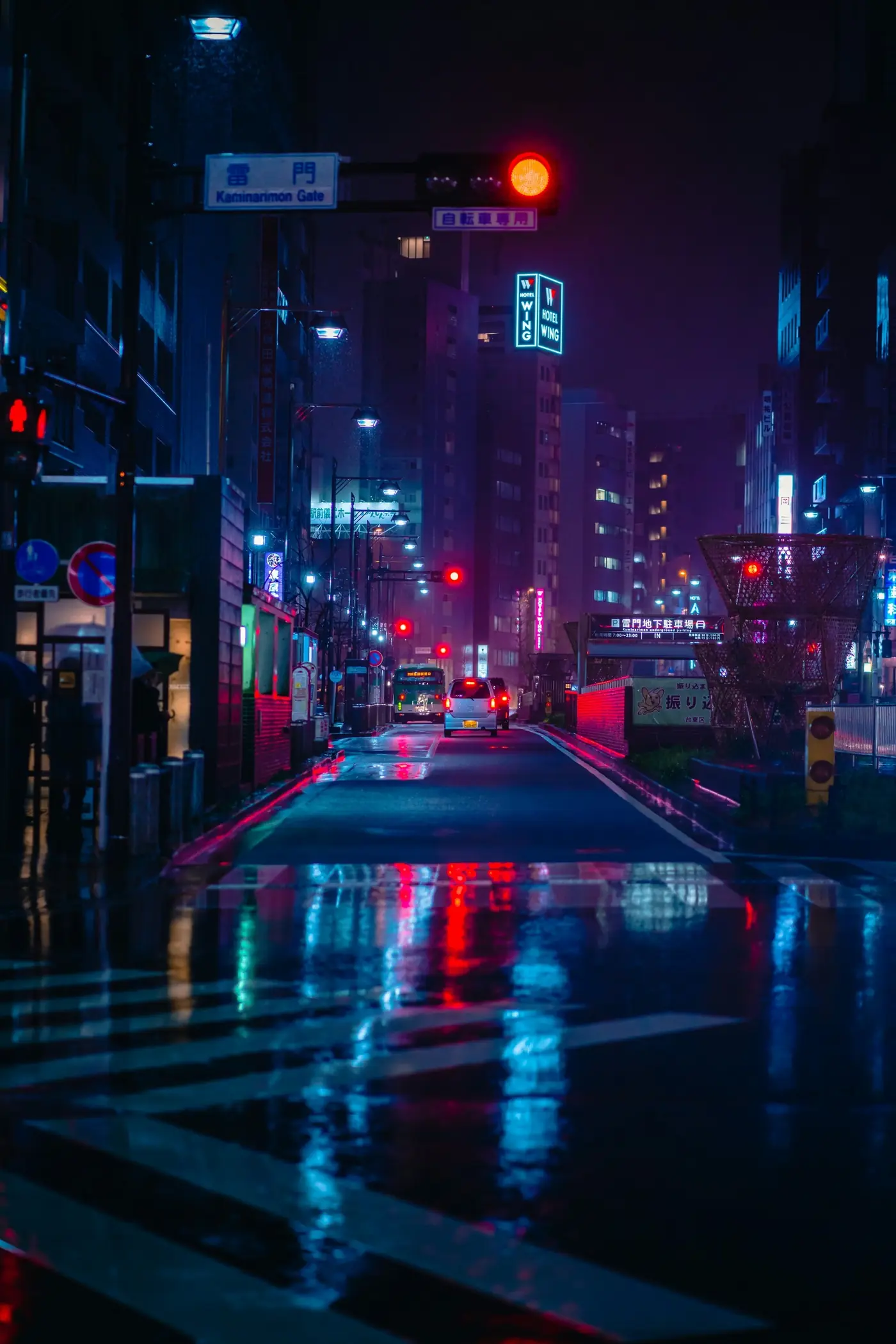
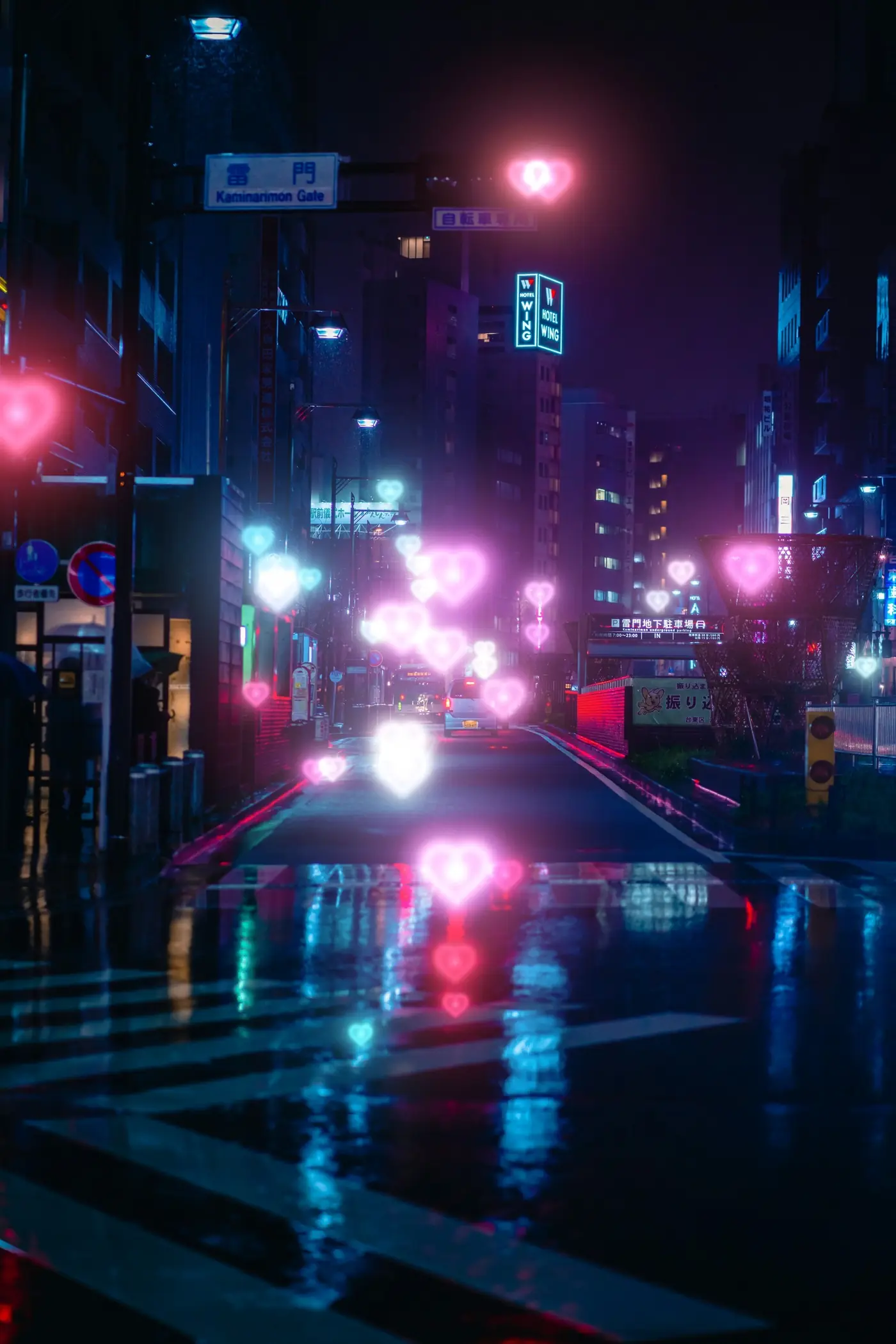
What kind of light works
- Small, scattered lights work best: holiday lights, city streets at night, candles, sparkles on water.
- In daylight, too: glints on water, glass and metal.
- Big signs, neon tubes and very crowded lights may not turn into clean shapes. Step back a little, or drag down on the screen to lower the exposure.
- Where there is no light, nothing is drawn, so the shapes look like real out-of-focus light rather than stickers.
What's inside
- 13 shapes: circle, 4-, 6- and 8-point stars, star, sparkle, heart, crescent moon, sakura, flower, butterfly, music note, bunny
- 9 light colors and 9 film-look filters plus Original
- Photos and videos with sound in 9:16, 3:4 or 1:1, with a self-timer
- Everything happens on your iPhone. No account, no ads, no tracking.
Free and PRO
- Free: photos and videos with the circle, 4-point star and heart, the softness dial, true color and white light, Original and MIST filters.
- PRO: every shape, color and filter, fine-tuning, background blur, and editing photos from your library. You can save 3 shots with PRO effects for free.
FAQ
- Is Powapowa Camera free?
- Yes. The heart, 4-point star and circle shapes are free for photos and video; other shapes and colors are PRO.
- Can I add hearts to photos I already took?
- Yes, with PRO. Editing photos from your library is a PRO feature.
- Is there an Android version?
- No. Powapowa Camera is for iPhone.
- Does it upload my photos?
- No. All processing happens on your iPhone and there is no account.
- Where does it look best?
- Rows of small bulbs, Christmas trees and candlelight. See How to photograph Christmas lights with your iPhone.
Made by 037, a one-person studio in Seoul. hello@037.works